



Announcements1 min read
Polyjo Community Goal Completed
All 6 Infinity Medals have been Collected.
 @polyjo7 likes1 comments27 views

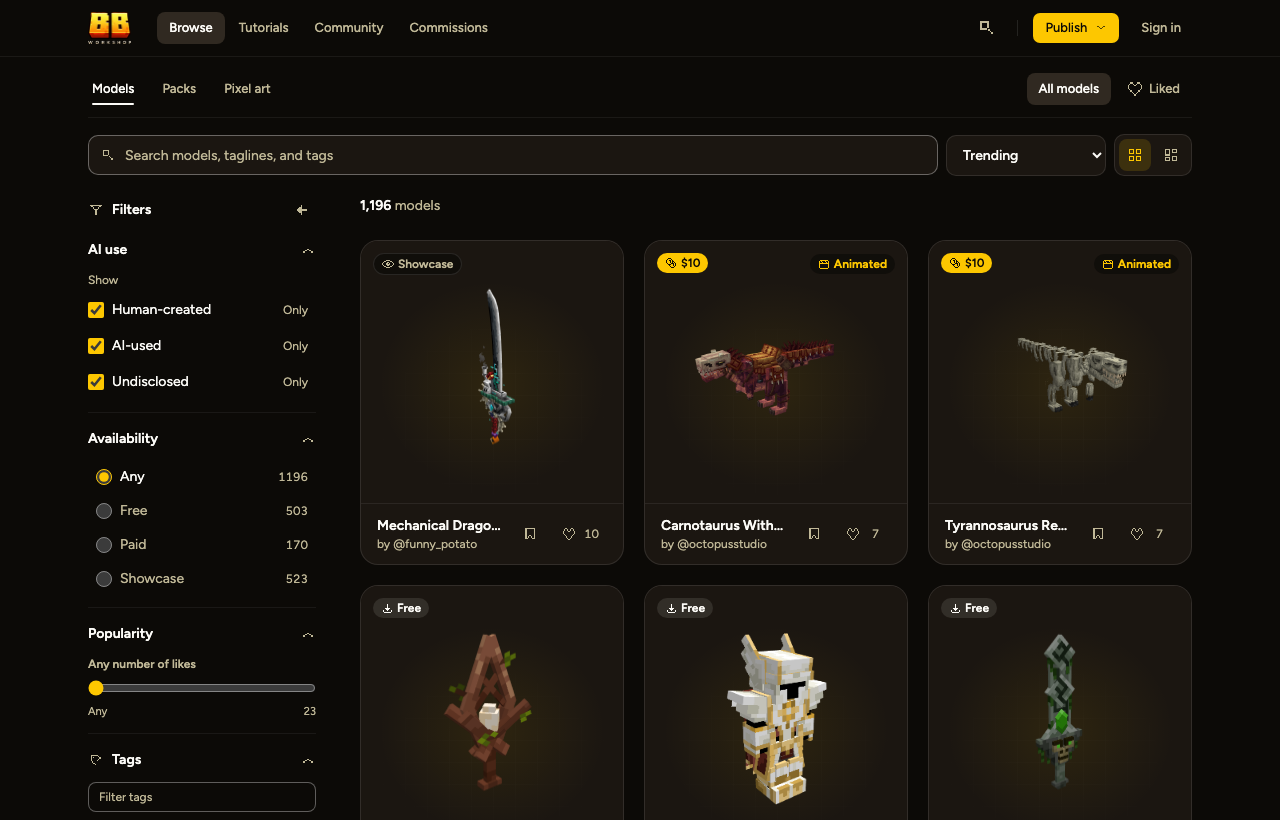
Browse models now opens on Trending, ranked by likes from the past seven days. Switch to Newest in the sort menu.
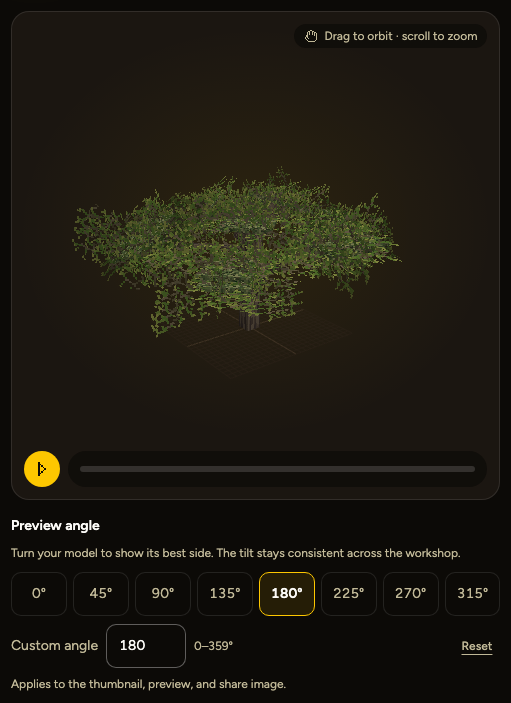
Choose your model’s preview angle with 45° presets or a custom angle when uploading or in Edit model.
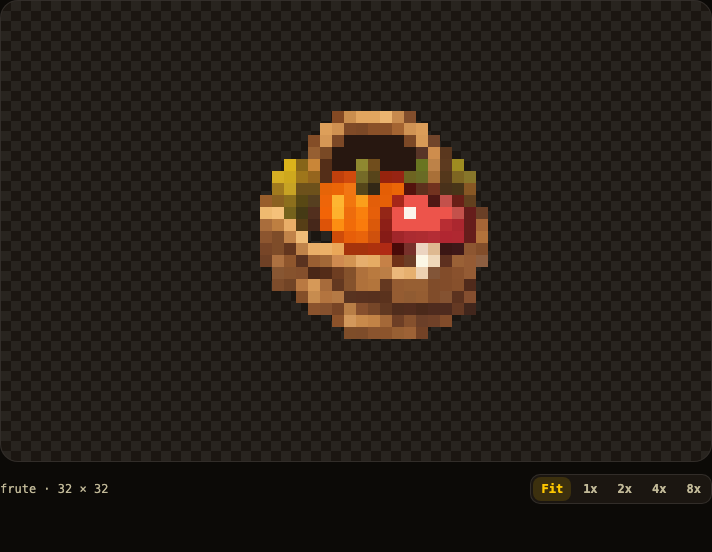
Fit now enlarges small pixel art while keeping pixels crisp. Use 1x to view artwork at its original size.
Add, replace, rename, reorder, or remove images in existing pixel-art sets without recreating the listing.
Model pages now show file details, licenses, and creator statements in a compact layout. Expand AI use or Creator rights for the full statement.
Workshop now respects your textures’ outside-only and double-sided settings, so inverted-face outlines display correctly on your models.
New commission requests now appear in Discord with a direct link to view the brief and make an offer.
Enable phone or computer notifications and choose which types you receive in Settings → Notifications. On iPhone/iPad, add Workshop to your Home Screen and open it there before enabling notifications.

Other announcements posts makers are writing.
All 6 Infinity Medals have been Collected.
@polyjo7 likes1 comments27 views


0 comments
No comments yet. Be the first to say something.